Bankole Emmanuel · Software engineer
Backend systems.
Blockchain.
Applied AI.
I build backend infrastructure, blockchain platforms, and AI-powered messaging products.

From the blog
Engineering notes.
Practical solutions.
Code, architecture, and solutions for backend systems, AI agents, WhatsApp, and blockchain.
Explore the blog-
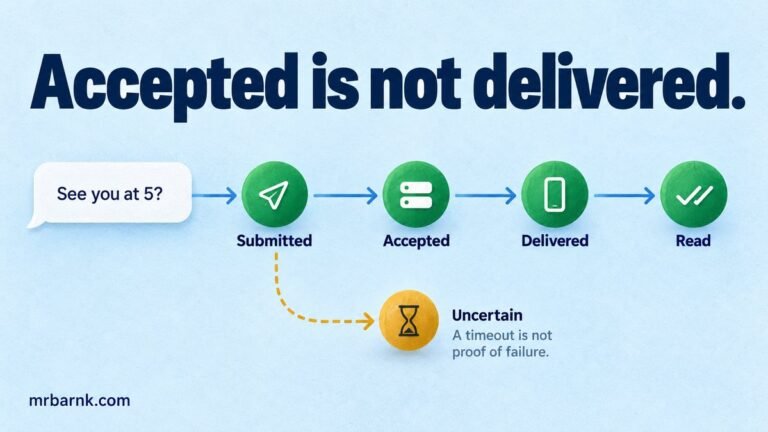
Your message was accepted. Has the customer actually received it?
Build accurate WhatsApp delivery tracking from API acceptance and status events. Handle duplicates, delayed events and conflicting outcomes in Node.js.
-
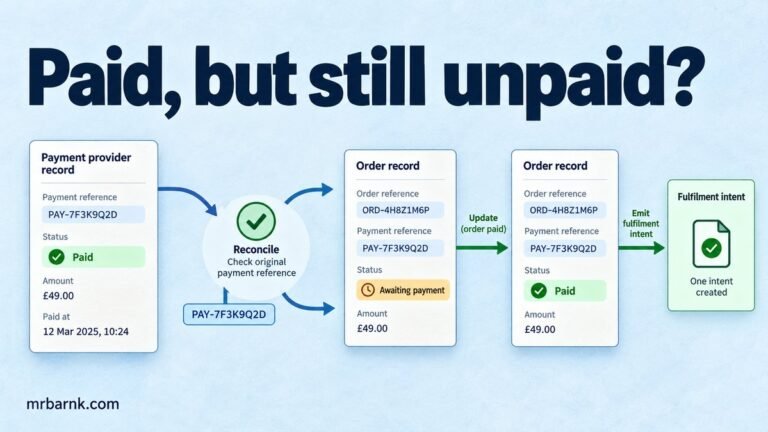
The customer paid, but the order still says unpaid
Use payment webhook reconciliation to recover paid orders after lost redirects or delayed events. Verify the original payment and make updates repeatable.
Selected projects
Product development and engineering contributions.
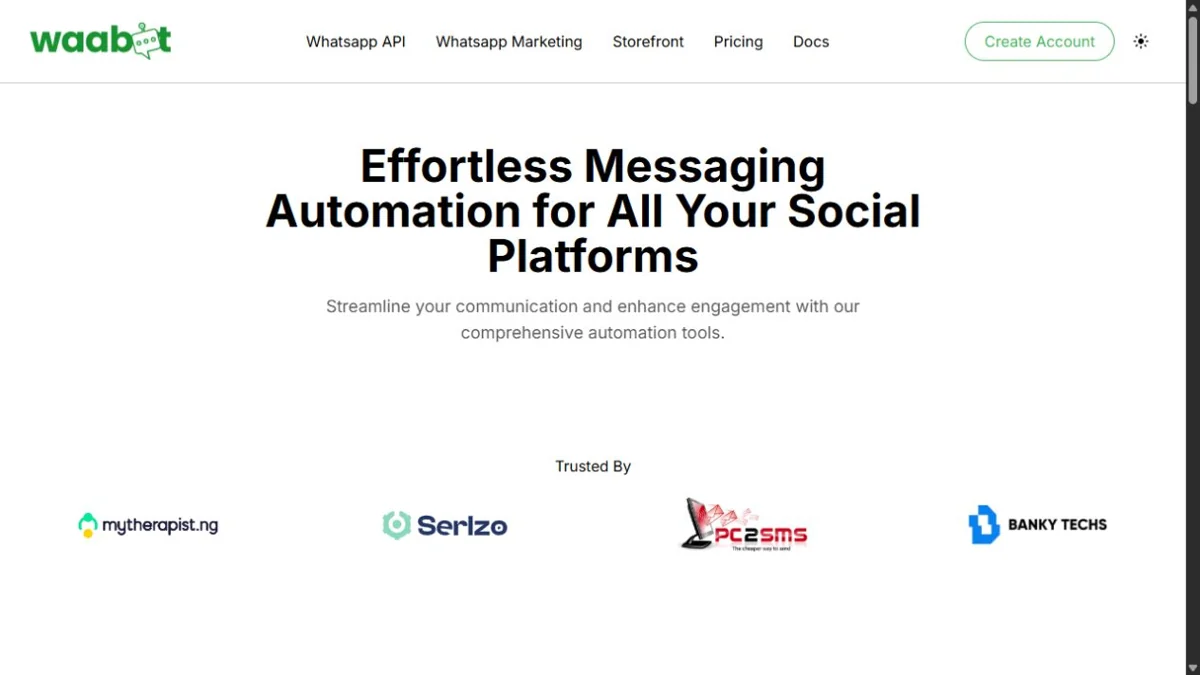
Independent product development
Waabot
Built a WhatsApp platform spanning business messaging, AI-assisted shopping, and customer automation.

Development contribution
Waabot Shop
Contributed to a commerce platform spanning storefronts, online payments, and order management.
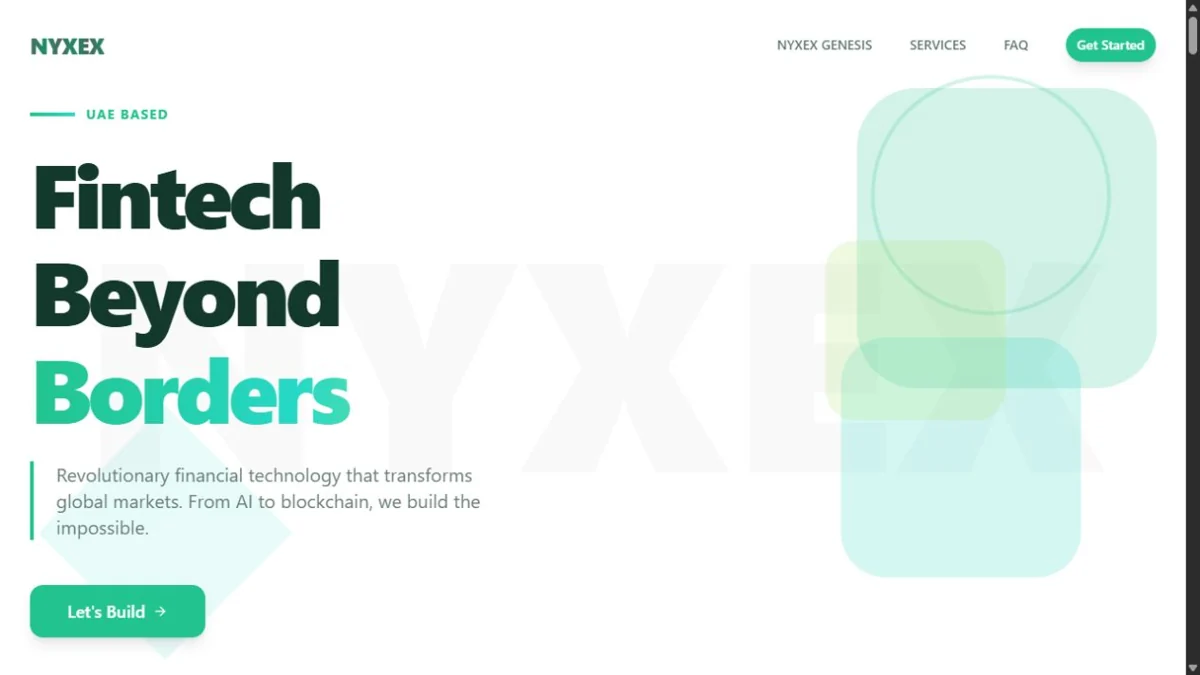
Development contribution
NYXEX
Contributed to projects for a technology business focused on fintech, blockchain, and AI services.
Development contribution
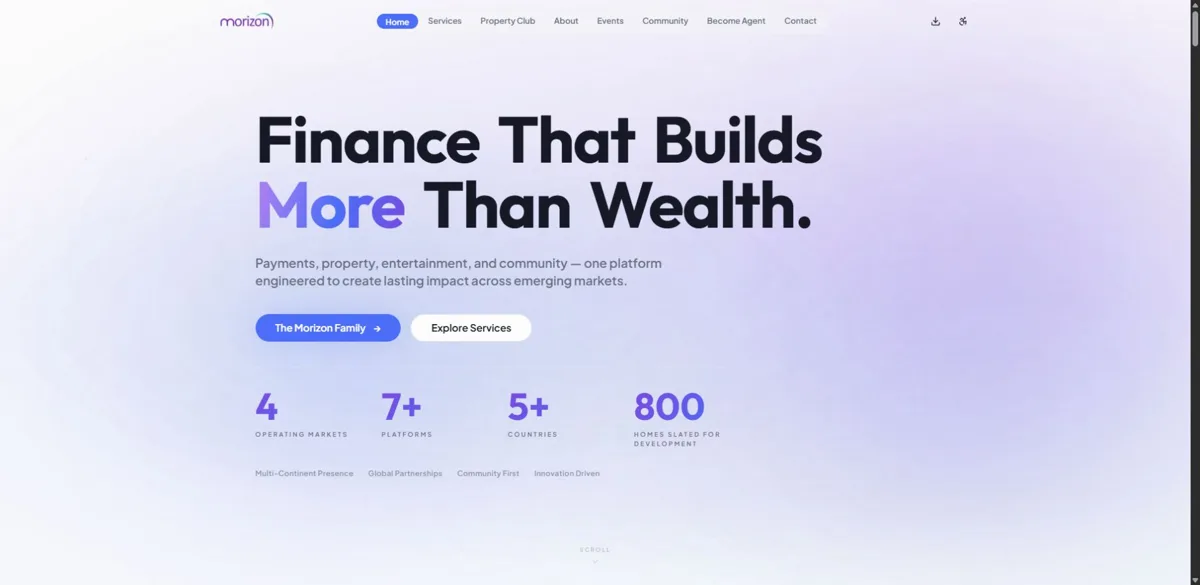
Morizon Hub
Contributed to a connected platform spanning payments, property, and digital services.
Engineering experience
Backend architecture.
Technical leadership.
Software engineer since 2016, with experience in messaging products, trading platforms, and blockchain infrastructure.
I’ve led backend engineering across multiple fintech projects, from architecture to deployment. My work spans distributed services, automated trading infrastructure, and real-time execution.
What I write about
Message delivery, payment reconciliation, queues, AI tool routing, and blockchain transactions—with examples you can run and adapt.
Engineering & delivery
Led backend development for trading, exchange, and payment platforms, coordinating engineering teams and delivering the supporting infrastructure.
Core technologies
Node.js, TypeScript, Express.js, MongoDB, MySQL, Redis, and RabbitMQ. AWS, Docker, and Kubernetes for infrastructure; Solidity and Web3.js for blockchain development.
How I approach systems
Design for failure.
Make recovery explicit.
Reliable systems need clear boundaries, durable state, and predictable recovery.
01Define
the operation.
Identify the action, who can request it, and what counts as success. Keep business intent separate from an API response.
02Make retries
safe.
Use stable operation IDs and durable records so a repeated request does not create a second payment, order, or transaction.
03Track
the evidence.
Record state changes and external responses. Keep uncertain outcomes visible until they can be reconciled.
04Test
the recovery.
Test duplicates, delayed events, timeouts, and restarts. Check that recovery preserves the original operation.
Discuss a project
Discuss your
next project.
Backend engineering, messaging integrations, and blockchain development.